

| ||||
| ISO for ARK1221 Devices |  | |
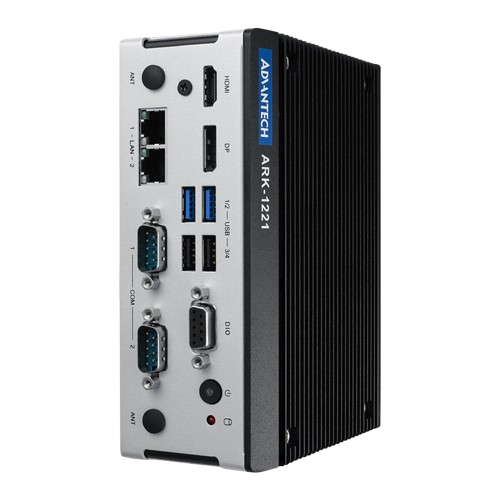 click to zoom | That ISO can be used for the Acrelec ARK1221 devices such as
|  |
| ISO for IEC-15B3 | | |
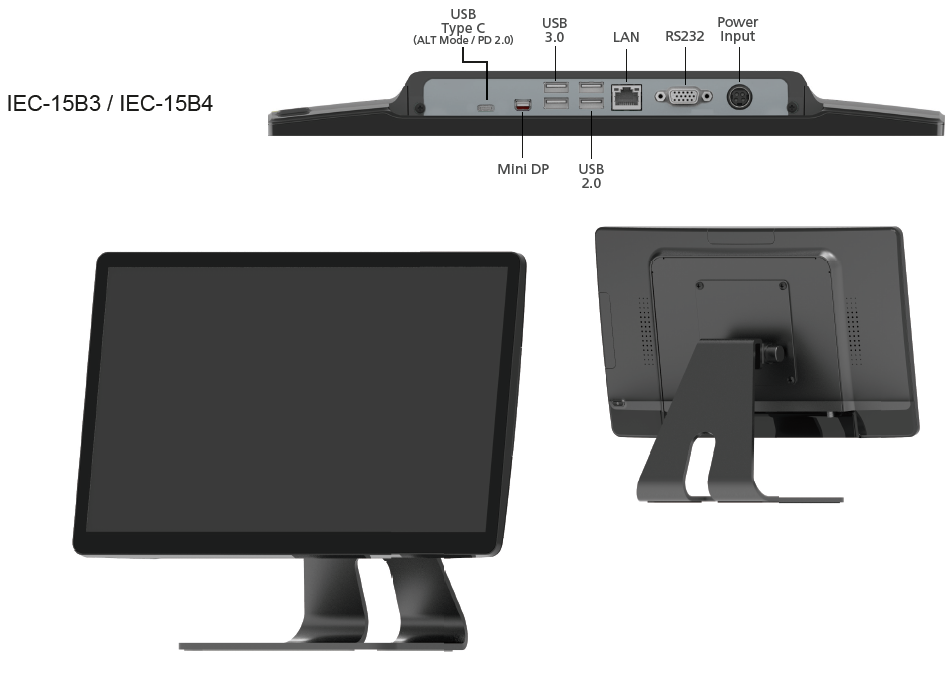 click to zoom | That ISO can be used for the IEC-15B3 device
| |
| ISO for GD-68 | | |
 click to zoom | That ISO can be used for the GD-68 device
| |
| ISO for F200 | | |
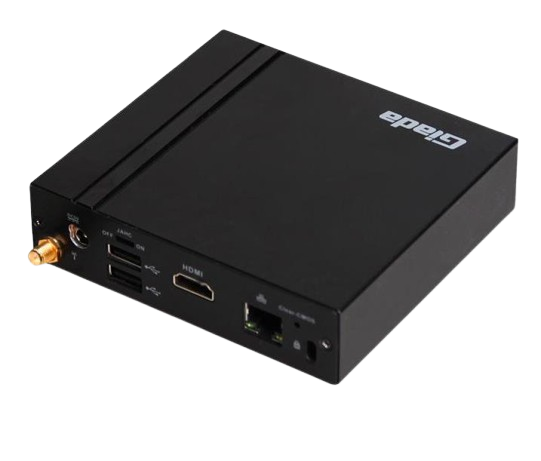 click to zoom | That ISO can be used for the F200 device
| |
| ISO for J1900 Devices | | |
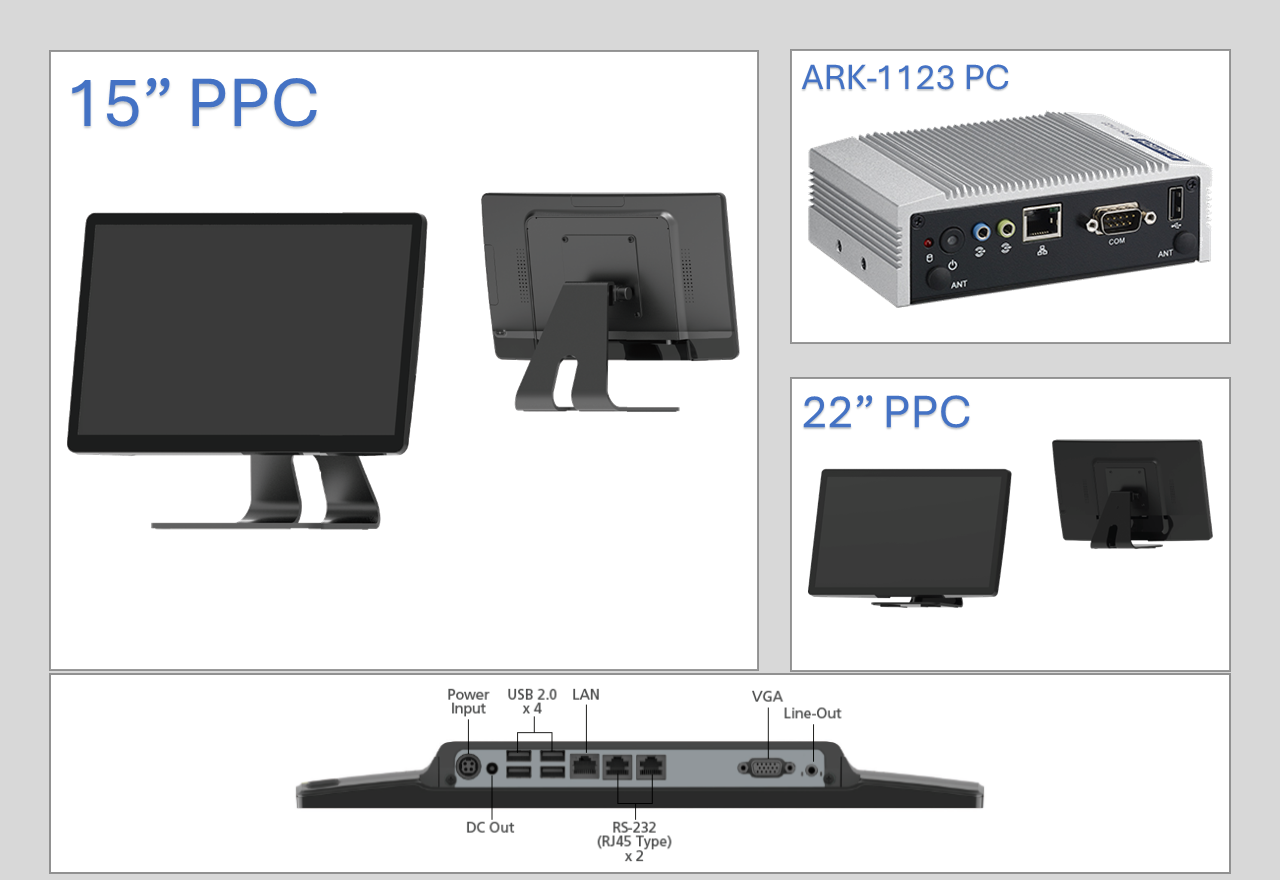 click to zoom | That ISO can be used for Acrelec J1900 devices such as
| |
| ISO for J3455 Devices | | |
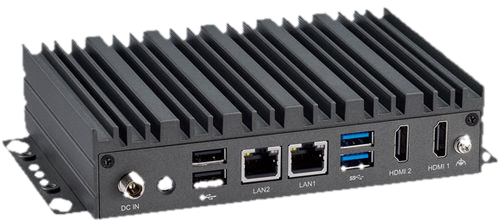 click to zoom | That ISO can be used for Acrelec J3455 devices such as
| |
| ISO for J6412 Devices | | |
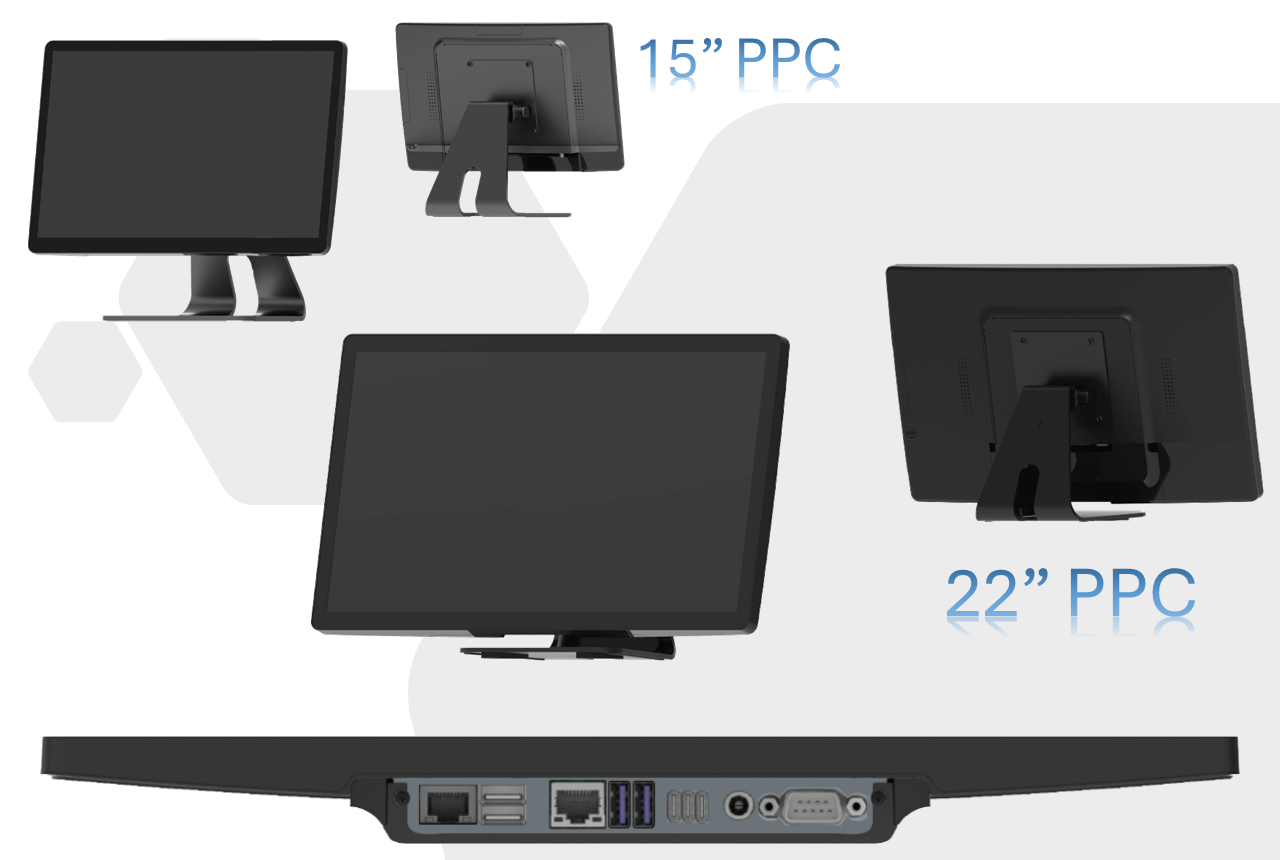 click to zoom | That ISO can be used for Acrelec J6412 devices such as
| |
| ISO for PP9617 - Part 1 | | |
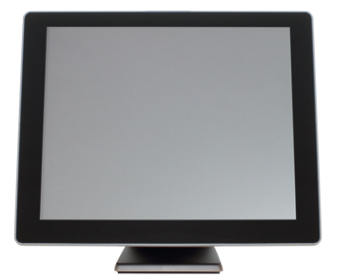 click to zoom | To be used for the PP9617 PPC. Extract Part 1 at the root of and USB Flashdrive. | |
| ISO for PP9617 - Part 2 | | |
click to zoom | To be used for the PP9617 PPC. Extract Part 2 in home\partimag of the USB Flashdrive (ACR_ALL_ATP_PP-9617_IOT-2019-TLSC_V2.50_64GB folder should go into home\partimag) Once done, make the Key Bootable. | |
Acrelec Middle East Production © 2026